Use the tool you can revise in
This lesson needs image layers, editable masks, basic tonal adjustments and text. Adobe Photoshop, Affinity Photo and GIMP can support this general approach, although commands and non-destructive features differ by version. Use your application's documentation to find the equivalent controls rather than expecting identical menu names.
Krita can suit a workflow that combines collage with painted marks. Inkscape and Adobe Illustrator are useful when precise vector shapes or complex lettering become central. You do not need to move between applications for this study. Keeping the work in one familiar editor makes it easier to concentrate on the composition.
Prepare a small, coherent source set
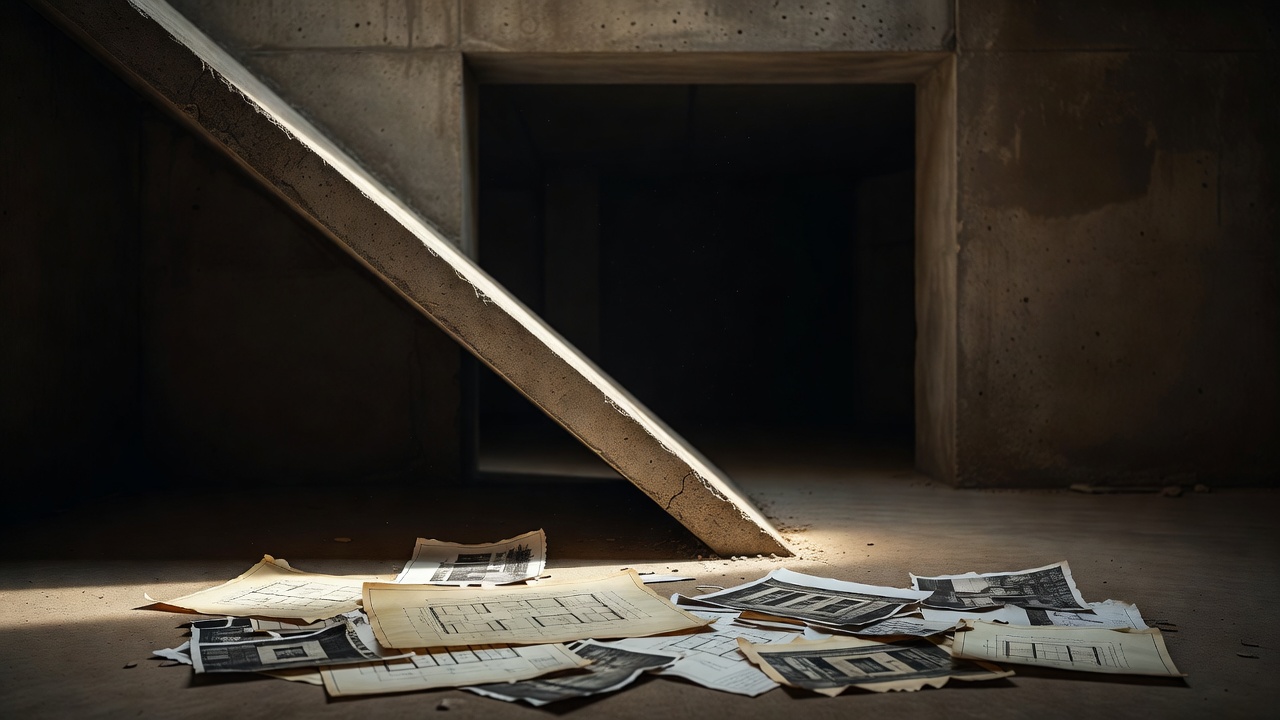
Choose an architectural photograph with a dark opening and a strong contour. Add a fabric photograph with a clearly readable fold, plus a quiet paper texture. Use your own photographs or material you have permission to adapt. Save source records and license notes in the project folder before editing.
Create folders for originals, the working master and exports. Write the intention in a text note: “Soft material interrupts a rigid space.” This is the reference you will return to whenever a tempting effect appears. If a decision does not strengthen that relationship, it needs another reason to remain.
Work through the composition in passes
1. Establish the field
Create a 1600 × 2000 pixel RGB document for this web-oriented study. Use an sRGB profile if your editor offers it. Fill the base layer with burgundy and save the editable master immediately. Pixel dimensions describe the digital image; changing a resolution label alone does not add image detail.
Place the architectural photograph above the field. Position its bright opening slightly away from the center. Leave an uninterrupted area large enough for a short title. Do not add texture yet: first prove that the largest shapes work together.
2. Make the architectural crop
Use a mask to expose the part of the architecture that supports the focal opening. Keep the source intact. Try a crop that allows the wall to enter from one edge of the canvas rather than floating as an isolated rectangle. This creates a stronger relationship with the overall frame.
Reduce the view to thumbnail size. If the opening does not read immediately, simplify the crop or adjust its local value contrast. Save a version before moving to the next pass.
3. Introduce the fabric interruption
Place the fabric above the architecture and mask its silhouette. Rotate and scale it so its main fold crosses the architectural rhythm rather than copying it exactly. Keep a portion of the opening visible. A focal point that is entirely covered can no longer do its job.
Inspect the fabric against temporary light and dark backgrounds. Correct obvious halos, then remove the temporary backgrounds. Decide whether this is a flat graphic collision or a shared physical scene before adding any shadow.
4. Bring the values into agreement
Use separate tonal adjustments for the architecture and fabric. Let the opening remain the first point of attention while the fabric becomes the second. Check a temporary grayscale view. If the two elements compete equally, quiet one rather than making both brighter.
Keep the palette restrained. A cream highlight and a warm middle tone are enough to connect the sources to the ground. Preserve some differences: unity does not require every material to have identical color.
5. Add surface and a title
Place the paper texture on its own layer. Test it at low opacity, then mask it away from critical contours. Compare the image with the texture hidden. Keep the treatment only if it connects the fragments without weakening their hierarchy.
Add a short title such as “Soft Structure.” Align it with an existing edge and give it room to breathe. Keep the title editable. Add a small source credit when the asset license requires one, making sure the credit remains readable at delivery size.
6. Remove one unnecessary decision
Duplicate the document and remove the weakest supporting element or effect. Compare the two versions at the same size. Ask which version explains the original intention more directly. A restrained result is not automatically better, but every surviving detail should earn its place.
Export a result; keep a working system
Save the layered master before exporting. For a photographic web composition, test JPEG quality against file size and inspect the actual result. Use PNG when transparency or particular graphic details make it appropriate. Export a copy; never flatten your only editable file.
View the export outside the editor at its intended size. Look for compression artifacts around type, muddy texture and unexpected color shifts. For print, obtain the printer's specifications for dimensions, bleed, profile and file format. Do not treat a web export as a universal print-ready file.
| Item | Purpose |
|---|---|
| Original sources | Untouched material and rights notes |
| Layered master | Masks, editable type and adjustments |
| Delivery export | File checked at the intended size |
Keep the lesson, not just the image
Write down which decision improved the hierarchy most and which effect you removed. This turns the exercise into a reusable method. On your next study, change the source material but keep the same intention, or keep the sources and change the argument. Either comparison teaches more than repeating an effect without knowing why it worked.
Compose a studio question