A useful cutout starts before the selection
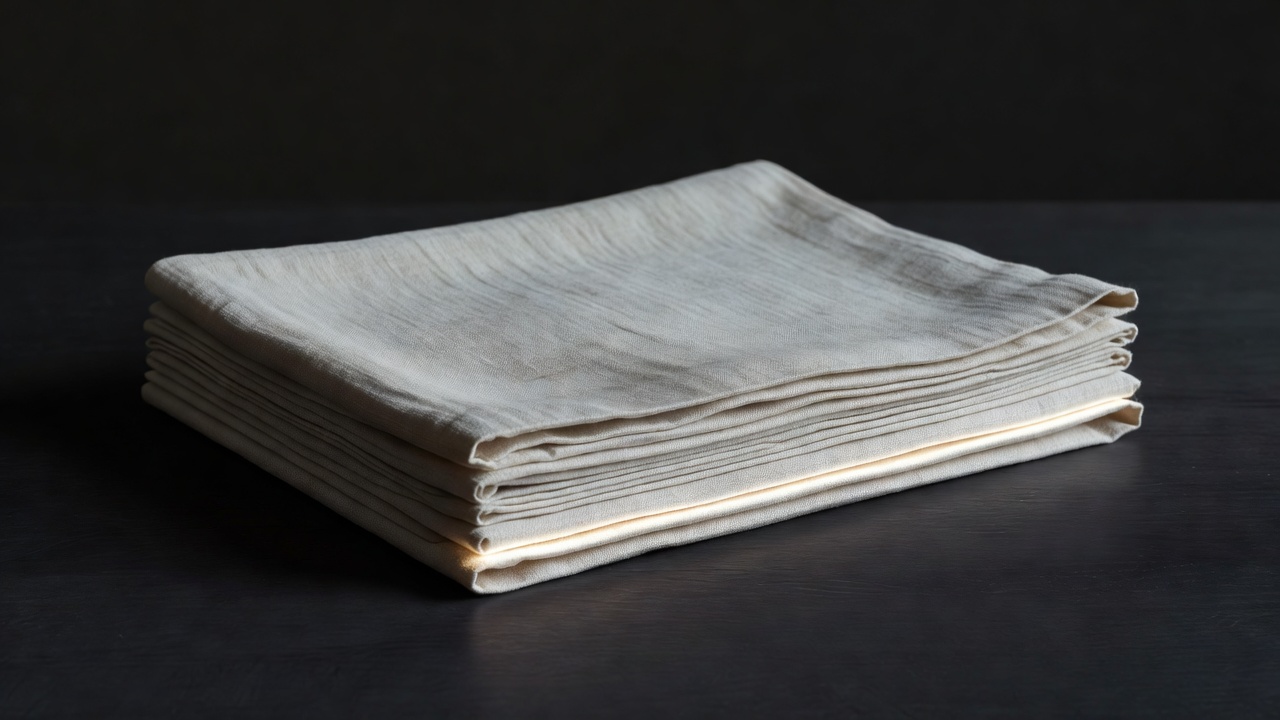
Choose source material for its silhouette as well as its subject. A fabric fold photographed against a contrasting surface is easier to extract than the same fold lost in a busy room. Clear lighting helps you distinguish the object's contour from a cast shadow. That distinction becomes important when the fragment moves to a new background.
Photograph ordinary objects yourself when possible: folded card, packaging, a metal utensil or a piece of cloth. Move the light and observe how the edge changes. You gain both a controllable source and a better understanding of why a later extraction feels convincing. Avoid reflections that reveal private information or people you do not intend to include.
For third-party imagery, retain the creator's name, original source, license terms and any required attribution. Wikimedia Commons, the Library of Congress and The Met Open Access collection can be useful research starting points, but rights vary by item and jurisdiction. Read the individual record. An archive's reputation is not a substitute for checking the specific asset.
Build a mask you can revise
Place the source on its own layer and make an initial selection. Use a path for a smooth, hard manufactured object; use a brush-based selection for an irregular fabric silhouette. Automatic subject selection can provide a starting point, but inspect its interpretation rather than treating the result as a finished extraction.
Convert the selection into a layer mask. In a conventional grayscale mask, white reveals the image, black hides it, and gray produces partial transparency. Confirm that you are painting on the mask thumbnail, not the photograph. A quick test stroke followed by undo is safer than discovering much later that you altered the source pixels.
Work from large decisions to small corrections. Establish the silhouette with a fairly firm brush, then refine local transitions. Avoid applying a broad feather to every edge. A uniform soft fringe can make a rigid object look out of focus, even when the original photograph is sharp.
Choose an edge language deliberately
A hard edge can communicate certainty, engineering or interruption. It suits architecture, printed shapes and compositions built around decisive geometry. Preserve small variations that describe the object, but remove accidental bumps caused by a hurried selection. Precision is a relationship between the source and the intended viewing size, not an obligation to smooth everything.
A torn edge suggests friction and handling. Build it from a real paper tear or a carefully varied mask rather than repeating the same decorative brush stamp. Look for changes in scale: a few larger irregularities with smaller fibers around them feel more material than evenly distributed noise.
A soft edge is useful for atmosphere, translucent fabric or a transition between spaces. Decide whether you are describing genuine transparency or making a graphic dissolve. Those are different intentions. Translucent material may retain highlights and internal structure even where the background shows through.
Keep one dominant edge character across the composition. A single contrasting treatment then becomes meaningful. If every fragment uses a different border, tear and glow, the edge effects compete with the relationships inside the image.
Repair the fringe without erasing the object
A pale halo often contains pixels from the original background. First adjust the mask locally, moving the boundary inward only where needed. If color contamination remains inside the subject, use a separate clipped correction or a tool designed for edge decontamination. Check its output carefully; aggressive processing can replace legitimate detail with invented color.
Inspect at full pixel view, then return to the intended display size. A technically immaculate extraction may still be too intricate to read in a small layout. Simplifying a minor protrusion can be a sound compositional choice, provided you are not misrepresenting an object in a context that requires accuracy.
Finally, test the cutout in its destination rather than on a checkerboard alone. Ask whether the contour supports the focal point and whether any softness matches the surrounding image. Save the editable mask with the master file. Continue with depth and overlap before adding unifying surface treatments.