Ask what the surface contributes
A paper scan may connect unrelated photographs by making them feel printed on the same material. A fabric detail can introduce softness into a rigid architectural study. Scratches might suggest wear, but they can also obscure the exact edge that makes the composition work. Name the intended contribution before importing the texture.
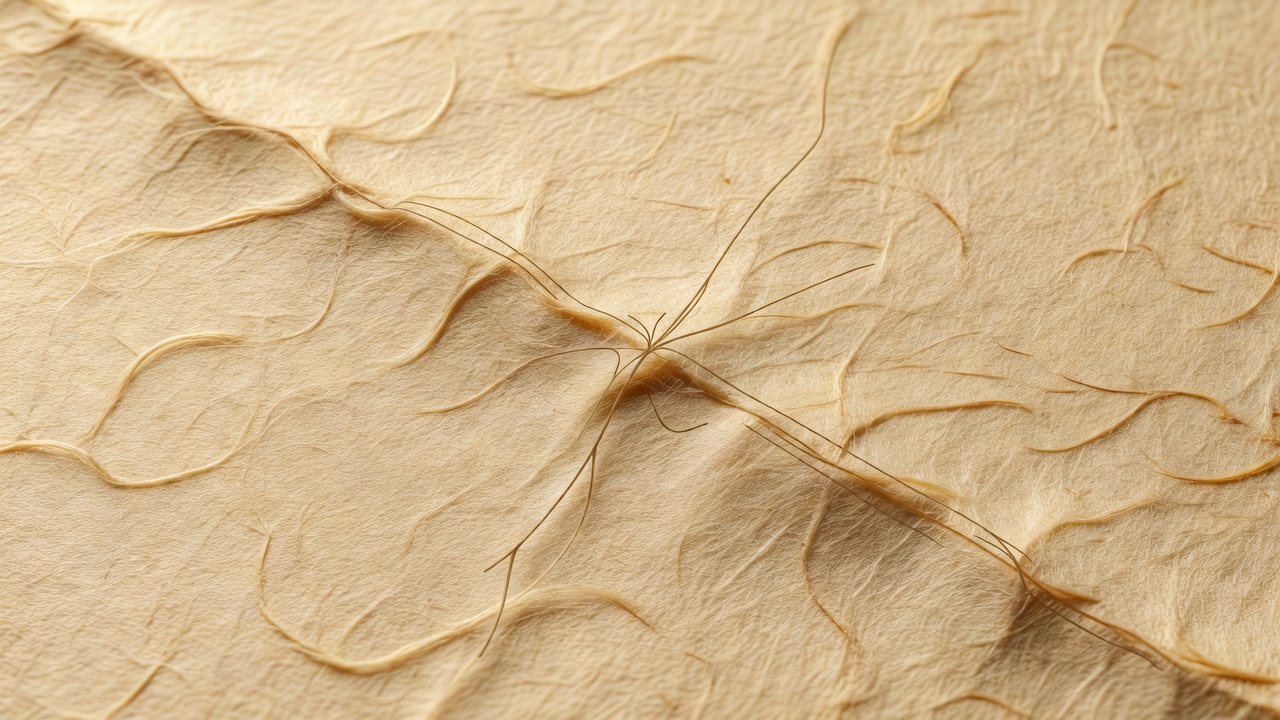
Capture your own surfaces under directional light. Try uncoated paper, folded linen or scuffed cardboard. Photograph one broadly lit version and another with stronger relief. The first may suit a unifying overlay; the second may work better as an individual fragment. Keep the original capture so later contrast adjustments remain reversible.
Notice texture scale. A paper fiber that appears enormous relative to a building changes the apparent world of the image. That distortion may be expressive, but it should not happen simply because a small texture file was enlarged to fill the canvas. Start with enough source detail for the intended output.
Blend with a purpose, not a preset
Place a texture above the imagery and begin with normal blending at low opacity. This reveals what the texture actually contains. Then test a blend mode according to the relationship you need. Multiply generally darkens by combining values; Screen generally lightens. Overlay and Soft Light alter contrast in different ways and can produce strong changes in already saturated areas.
The exact result depends on the source pixels, document color settings and application implementation. Do not memorize a favorite mode as a universal answer. Toggle the texture off and on. If the focal point becomes harder to find, reduce the effect, mask it away from that area or choose a quieter source.
Use a mask to vary texture locally. Keep high-frequency detail away from small text and important contours. A surface treatment can be strongest in the resting areas and nearly absent at the focal edge. This uneven distribution often feels more convincing than a uniform layer covering everything equally.
Make a palette from relationships
Start with a dark ground, a light accent and one middle value. In the salon study, burgundy carries the field, cream carries the sharpest contrast, and warm material tones connect the fragments. The palette is restrained so the architecture and fabric can disagree in shape without also fighting in color.
Sample colors from the imagery, then adjust them for their roles. A sampled cream may be too close in value to its neighboring background. A midtone may need less saturation to stop competing with the focal fragment. Sampling is a starting point, not proof that a combination is readable.
Use a temporary grayscale adjustment to inspect value separation. For interface text, WCAG 2.2 provides useful contrast criteria: normal text generally needs at least 4.5:1 at Level AA, while qualifying large text needs 3:1. Image-based artwork has different expressive goals, but essential captions and navigation still need to remain legible.
Let type join the composition
Give the title a clear role: naming, contradicting or anchoring. Avoid placing a headline merely because an empty corner is available. Align it with an existing edge, repeat a structural interval or deliberately break the grid at the moment you want the viewer to pause.
Begin with one type family and a restrained hierarchy. A large title, a compact caption and a quieter credit are usually enough for a study. Georgia and Cambria are useful system-font options for testing an editorial voice without adding font dependencies. Use only fonts you are licensed to use in the final work.
Keep a live-text version in the master document. Convert a duplicate to outlines only when a specific production workflow requires it. Outlined type is harder to edit and no longer behaves like searchable text. For web publication, put essential information in real HTML text rather than relying on words embedded in an image.
Judge the surface at delivery size
Downsampling can turn a delicate grain into muddy interference. Export a test at the real display dimensions and compare it with a clean version. Inspect small letters, quiet gradients and the focal edge. If the texture survives only when viewed much larger than the final output, simplify it.
For standard web delivery, an sRGB export is a practical starting point. For print, request the printer's required profile and file specifications rather than converting blindly. Keep the editable master separate from delivery files. Then bring the decisions together in the complete composition tutorial.