Start with a hierarchy, not a collection
Before importing every promising image, describe the relationship you want to build. “A fragile fold interrupts a monumental space” gives you a selection rule. A bright wrapper, however beautiful, may have no useful part in that sentence. Keep it in your source archive rather than forcing it into this composition.
Choose one primary focal point. It might be a bright opening, a sharp silhouette or a word. Give that point a distinct advantage in value, scale or isolation. You do not need all three. A small pale object surrounded by quiet darkness can command more attention than a large, intricately textured shape.
Make a quick grayscale check with a temporary adjustment layer. If the composition collapses without color, its value relationships may be too similar. Separate the main shape from its immediate surroundings before increasing saturation. Color can reinforce a structure, but it rarely repairs an unclear one.
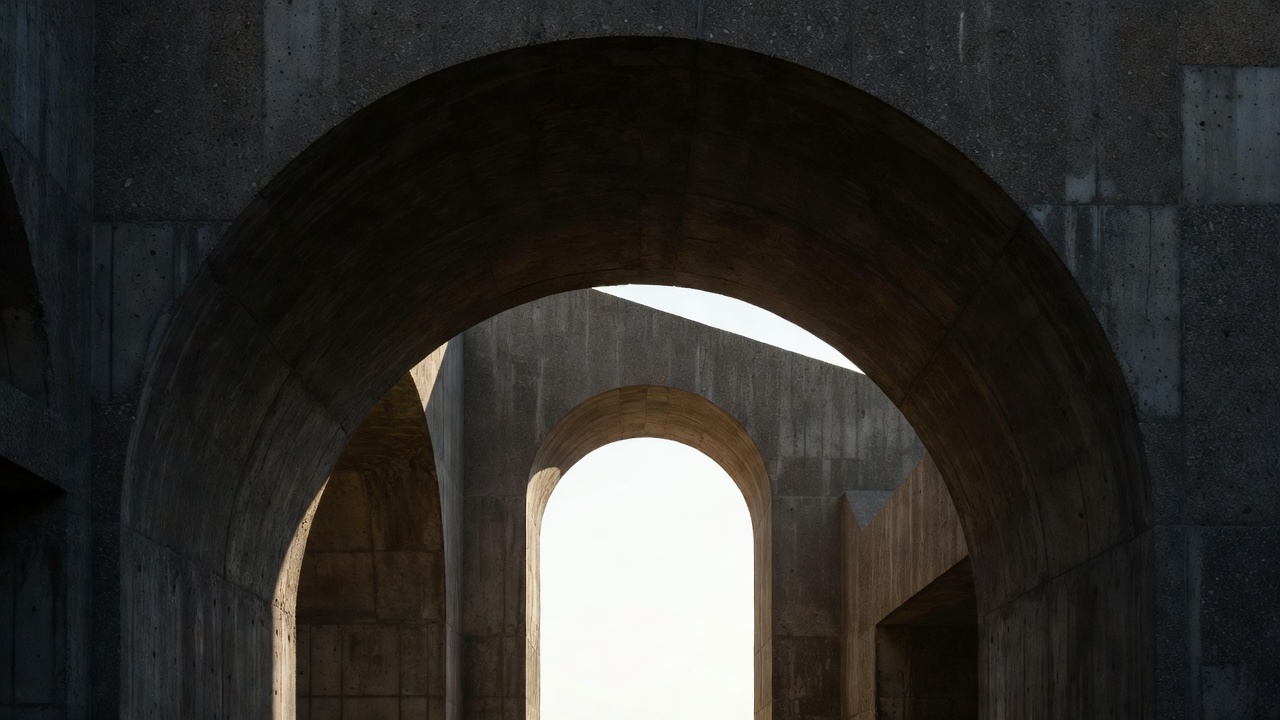
Build a stack you can read tomorrow
Place the background field at the bottom, supporting imagery above it, the focal fragment next, and type near the top. This is a useful starting arrangement, not a universal law. A title can sit behind an object when the overlap reinforces meaning and enough letterforms remain readable.
Name layers by function: “quiet ground,” “focal arch,” “fabric interruption,” and “title anchor.” Group related elements and keep source images intact. Where your application supports linked or embedded objects, use them for repeated transformations. Otherwise, preserve an untouched source layer outside the visible working group.
Use adjustment layers or equivalent non-destructive controls whenever possible. Clip a tonal correction to the intended fragment instead of changing the entire canvas accidentally. Toggle the group on and off after a change. The goal is a clearer relationship, not merely a more dramatic individual image.
A functional layer order
- Title and reading details READ
- Color and tonal adjustments UNIFY
- Fabric with editable mask INTERRUPT
- Architectural source FOCUS
- Solid ground REST
Let overlap do the first work
Depth begins when one contour clearly interrupts another. Avoid accidental tangencies: two edges that barely touch can create an awkward visual knot. Either separate them or overlap them decisively. Check this at the intended viewing size, because a tiny gap visible while zoomed in may disappear in the final image.
Scale also establishes relationships. A huge fabric fold against a small building can create deliberate surrealism, but the size difference should feel chosen. Repeat a curve, angle or lighting cue so the fragments still belong to one visual conversation. Consistency does not require literal realism.
Add a shadow only when the collage asks the viewer to imagine shared physical space. Identify a light direction first. A contact shadow stays close to the point of contact; greater separation usually produces a softer, more displaced shadow. Test opacity conservatively. Heavy shadows beneath every fragment often make a composition feel like unrelated stickers.
Atmospheric depth can be quieter. Lower contrast in a supporting background, soften a distant edge slightly, or let a foreground shape retain sharper detail. Do not blur the entire background automatically: architectural texture may be essential to the argument.
Review at three distances
At thumbnail size, ask what you notice first. At normal viewing size, check the route from focal point to supporting element to title. At full pixel view, inspect masks, unwanted halos and artifacts. These are different tests; no single zoom level answers all three.
Duplicate the document before a major structural revision. In the copy, remove one supporting layer and compare. If the image becomes clearer, the layer may have been decorative rather than useful. Save that experiment, even if you return to the fuller version. Comparison turns a vague preference into a repeatable decision.
Finish by checking the composition on a plain background. Interface panels and selection outlines can conceal weak edges. When the stack works without those distractions, move to a focused cutout pass, then use surface and typography to unify rather than overwhelm the result.